
Technology
Discover the Top 4 MX Linux Tools Missing from Other Distros

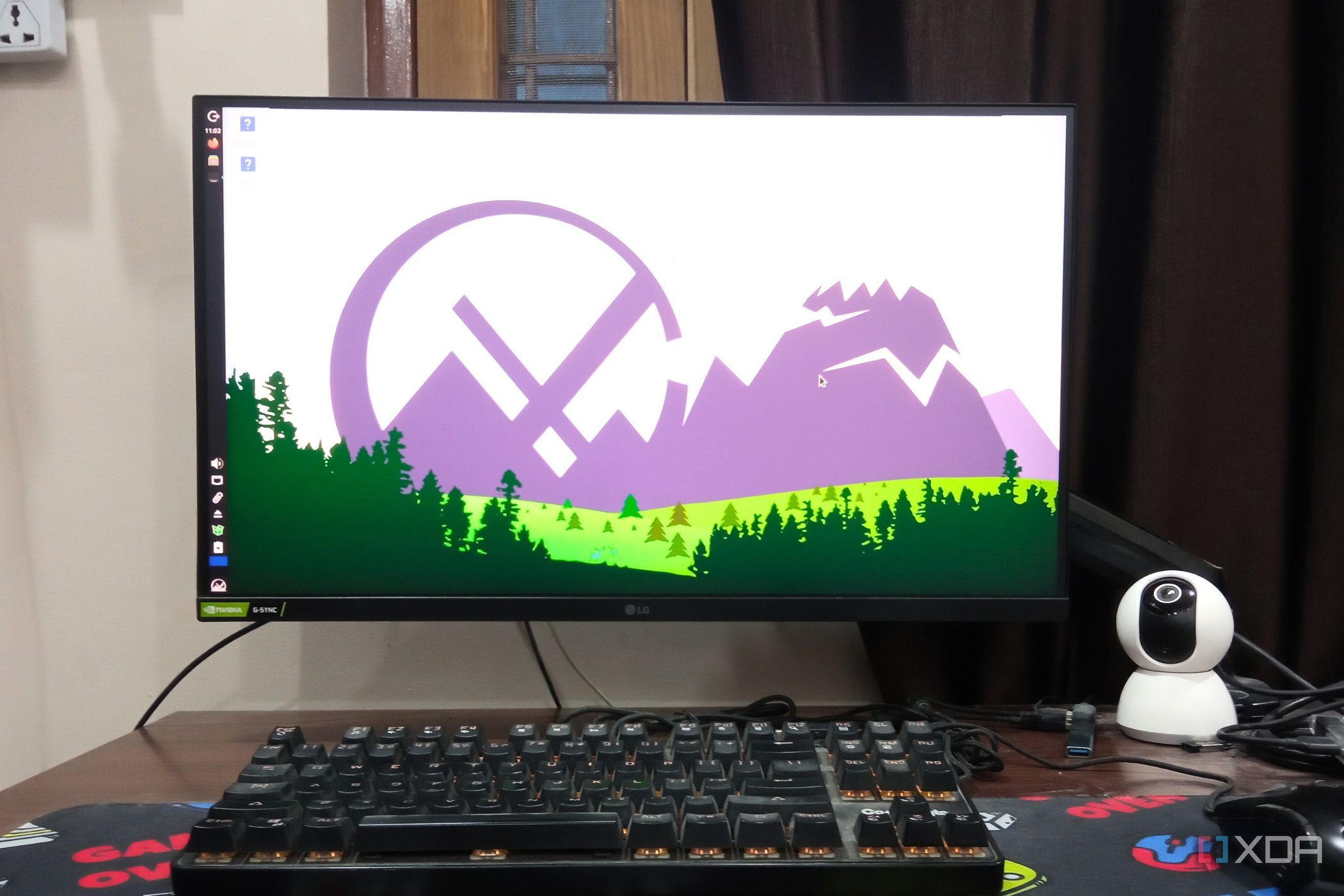
MX Linux offers a unique experience within the Linux ecosystem, prioritizing user-friendliness and streamlined functionality. Users transitioning from MX Linux to other distributions, such as Ubuntu, often find themselves missing several key tools that enhance system management and customization. This article highlights four standout utilities from MX Linux that could significantly improve the experience for users on other mainstream Linux distributions.
MX Snapshots: A Game Changer for System Recovery
One of the most notable features of MX Linux is the MX Snapshots tool. This utility addresses a common frustration faced by Linux users: the inability to easily restore a system after a crash. Unlike traditional methods that may require a full reinstallation, MX Snapshots allows users to create a bootable ISO file that includes not only the operating system but also user data.
Creating a snapshot is straightforward. Users can choose what to include in the ISO file, such as excluding large applications like Steam or Flatpaks to reduce the file size. This flexibility is beneficial, particularly for those wanting to set up the same system on multiple devices while maintaining their data. Although snapshots cannot restore the system directly, they provide a reliable backup option that can be accessed via a USB drive when needed.
Streamlined App Management with MX Package Installer
Another essential tool is the MX Package Installer, which simplifies the process of installing applications. Users frequently encounter challenges when trying to download software on other distributions, as was the case for a user attempting to install a resource manager app on Ubuntu. The app store failed to provide adequate support, leaving the user frustrated.
In contrast, the MX Package Installer offers an intuitive interface that makes installing applications seamless. With a dedicated tab for Flatpak installations and access to over 3,200 apps, users can find and install their desired software with just one click. The organized repository, complete with categories and search features, enhances the overall efficiency of app management, making it a standout feature compared to more basic app stores found in other distributions.
Enhanced Dual-Boot Management with MX Boot
For users who operate multiple operating systems, effective boot management is crucial. The MX Boot utility provides users with enhanced control over the GRUB menu, allowing adjustments to settings, kernels, and even visual themes. This feature is particularly useful for individuals reviving older hardware with MX Linux.
Users can modify the boot menu timeout, granting them additional time to select their preferred operating system. Furthermore, MX Boot enables users to designate a default kernel, ensuring a tailored boot experience that meets individual preferences. These customization options make dual-booting significantly less cumbersome and more user-friendly.
Customization Made Easy with MX Tweak
Lastly, the MX Tweak tool stands out for its comprehensive customization options. While it may initially seem overwhelming due to its extensive features, MX Tweak empowers users to manage various aspects of their desktop environment effectively. From panel adjustments to window management and system appearance, this tool provides a centralized location for customization.
For instance, users can modify the vertical taskbar’s visibility and size or add additional panels for a personalized desktop experience. MX Tweak also includes options for enabling hibernation and allowing non-root users to mount USB devices, which can significantly enhance usability. Although the tool requires some time to master, its potential for customization is unmatched in other distributions.
Conclusion: A Call for Adoption
The tools available in MX Linux, such as MX Snapshots, MX Package Installer, MX Boot, and MX Tweak, exemplify the potential for enhanced user experiences across the Linux landscape. By incorporating similar utilities, other distributions like Ubuntu could greatly improve their appeal and functionality. As the Linux community continues to evolve, the adoption of user-friendly features that streamline system management will be essential for attracting and retaining users.











Revolutionary Photonic Ski-Jump Could Miniaturize LiDAR Systems

Couples Detox from Plastics in New Netflix Doc: Can It Boost Fertility?

Aventon Launches Affordable Full-Suspension Electric Mountain Bike

Discover Eight Must-Try Restaurants This Spring Season

UC Irvine Team Unveils Innovative Ion Pump for Water Treatment

One-Third of Americans Trim Daily Expenses for Healthcare Needs

Apple Secures First Oscar in Three Years with F1: The Movie

Fourth Graders Celebrate St. Patrick’s Day with Creative Weather Drawings

Kim Kardashian Dazzles at Vanity Fair Oscars Party 2026

Nostradamus’ 2026 Predictions: Star Death and Dark Events Loom

Breakthroughs and Challenges Await Science in 2026

Electric Moto Influencer Surronster Arrested in Tijuana

OpenAI to Implement Age Verification for ChatGPT by December 2025

Discover the Top 10 Calorie Counting Apps of 2025

Bella Hadid Shares Health Update After Treatment for Lyme Disease

Analysts Project Stronger Growth for Apple’s iPhone 17 Lineup

Japanese Study Finds Rose Oil Can Increase Brain Gray Matter

Top 10 Penny Stocks to Watch in 2026 for Strong Returns
-
 Science4 months ago
Nostradamus’ 2026 Predictions: Star Death and Dark Events Loom
-
 Science4 months ago
Breakthroughs and Challenges Await Science in 2026
-
 Technology7 months ago
Electric Moto Influencer Surronster Arrested in Tijuana
-
 Technology4 months ago
OpenAI to Implement Age Verification for ChatGPT by December 2025
-
 Technology9 months ago
Discover the Top 10 Calorie Counting Apps of 2025
-
 Health7 months ago
Bella Hadid Shares Health Update After Treatment for Lyme Disease
-
 Health7 months ago
Analysts Project Stronger Growth for Apple’s iPhone 17 Lineup
-
 Health7 months ago
Japanese Study Finds Rose Oil Can Increase Brain Gray Matter
-
 Technology4 months ago
Top 10 Penny Stocks to Watch in 2026 for Strong Returns
-

 Science6 months ago
Starship V3 Set for 2026 Launch After Successful Final Test of Version 2
-

 Technology1 month ago
Nvidia GTC 2026: Major Announcements Expected for AI and Hardware
-

 Education7 months ago
Harvard Secures Court Victory Over Federal Funding Cuts