
Technology
Diagnose Slow Internet: 4 Essential Networking Tools You Need

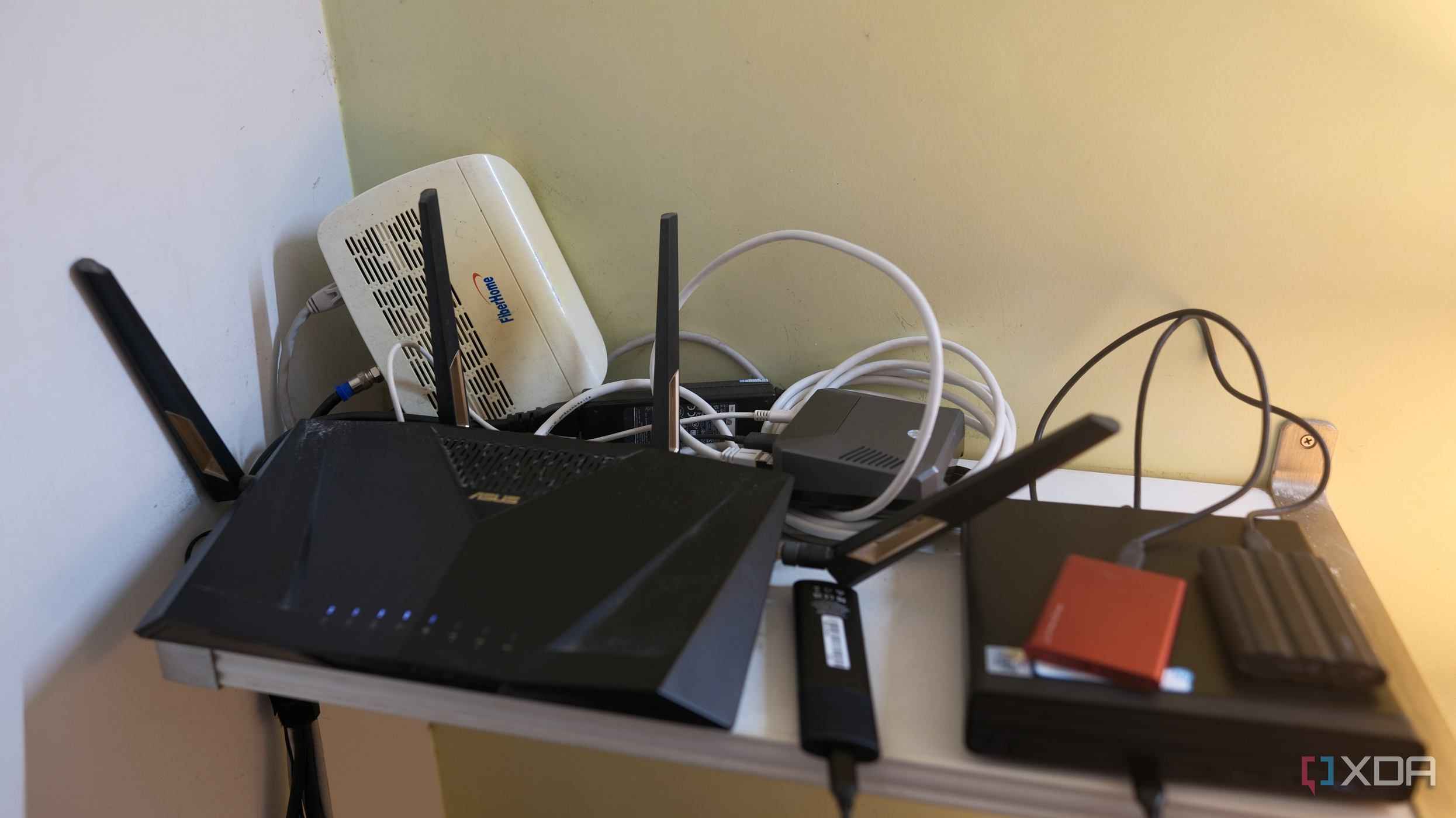
Experiencing slow home internet can be frustrating, hindering access to essential apps and services. This issue affects not just the individual but everyone sharing the network. To address these connectivity challenges, several effective networking tools can help diagnose the root cause efficiently. Whether using a home-built network or a router provided by your Internet Service Provider (ISP), these tools are invaluable for restoring optimal performance.
Utilizing Basic Tools for Initial Troubleshooting
The first step in diagnosing network issues often involves a simple yet powerful tool: Ping. This tool operates using the Internet Control Message Protocol (ICMP) to send echo requests to a specified destination and waits for a response. Essentially, it checks if a device is reachable, providing insights into connectivity both within the local network and beyond.
When using Ping, users receive critical information about latency and packet loss. The tool runs continuously until canceled, making it useful for creating scripts that monitor network status. For example, certain configurations can send notifications if a specific service becomes unreachable, enabling prompt action.
Assessing Connection Speeds with Speed Tests
If the internet connection feels sluggish, running a speed test is the next logical step. These tests measure both download and upload speeds while also providing latency information. Reliable speed tests can help determine whether users are experiencing throttling from their ISP or issues like congested Wi-Fi.
Conducting speed tests on multiple devices can yield valuable data. A significant performance disparity between devices may indicate a hardware issue or interference, allowing users to identify the underlying problem more effectively.
Advanced Diagnostics with Traceroute and Ntopng
Should Ping indicate potential issues between the device and the destination, the traceroute tool can pinpoint where connectivity problems occur. This tool tracks each hop from the user’s device to the target server, shedding light on routing issues or faulty connections that may be causing slowdowns. By identifying upstream bottlenecks, users can better understand their internet performance.
For a deeper analysis of network traffic, tools like Ntopng and Wireshark offer robust capabilities to monitor local area networks (LAN) in real-time. These tools allow users to capture and analyze all data passing through the network, making them ideal for diagnosing persistent issues or identifying bandwidth hogs, such as overly active smart home devices.
While these advanced tools may be more complex, they provide comprehensive insights that can significantly aid troubleshooting efforts. Many routers come equipped with basic versions of these tools, offering users the ability to monitor network performance without additional software.
In summary, equipping oneself with these essential networking tools can greatly enhance the ability to diagnose and resolve slow internet issues efficiently. By leveraging Ping, speed tests, traceroute, and advanced monitoring tools, users can navigate the complexities of their home networks, ensuring a smoother online experience for everyone involved.



Revolutionary Photonic Ski-Jump Could Miniaturize LiDAR Systems

Couples Detox from Plastics in New Netflix Doc: Can It Boost Fertility?

Aventon Launches Affordable Full-Suspension Electric Mountain Bike

Discover Eight Must-Try Restaurants This Spring Season

UC Irvine Team Unveils Innovative Ion Pump for Water Treatment

One-Third of Americans Trim Daily Expenses for Healthcare Needs

Apple Secures First Oscar in Three Years with F1: The Movie

Fourth Graders Celebrate St. Patrick’s Day with Creative Weather Drawings

Kim Kardashian Dazzles at Vanity Fair Oscars Party 2026

Nostradamus’ 2026 Predictions: Star Death and Dark Events Loom

Breakthroughs and Challenges Await Science in 2026

Electric Moto Influencer Surronster Arrested in Tijuana

OpenAI to Implement Age Verification for ChatGPT by December 2025

Discover the Top 10 Calorie Counting Apps of 2025

Bella Hadid Shares Health Update After Treatment for Lyme Disease

Analysts Project Stronger Growth for Apple’s iPhone 17 Lineup

Japanese Study Finds Rose Oil Can Increase Brain Gray Matter

Top 10 Penny Stocks to Watch in 2026 for Strong Returns
-
 Science3 months ago
Nostradamus’ 2026 Predictions: Star Death and Dark Events Loom
-
 Science4 months ago
Breakthroughs and Challenges Await Science in 2026
-
 Technology7 months ago
Electric Moto Influencer Surronster Arrested in Tijuana
-
 Technology4 months ago
OpenAI to Implement Age Verification for ChatGPT by December 2025
-
 Technology9 months ago
Discover the Top 10 Calorie Counting Apps of 2025
-
 Health7 months ago
Bella Hadid Shares Health Update After Treatment for Lyme Disease
-
 Health7 months ago
Analysts Project Stronger Growth for Apple’s iPhone 17 Lineup
-
 Health7 months ago
Japanese Study Finds Rose Oil Can Increase Brain Gray Matter
-
 Technology4 months ago
Top 10 Penny Stocks to Watch in 2026 for Strong Returns
-

 Science6 months ago
Starship V3 Set for 2026 Launch After Successful Final Test of Version 2
-

 Technology1 month ago
Nvidia GTC 2026: Major Announcements Expected for AI and Hardware
-

 Education7 months ago
Harvard Secures Court Victory Over Federal Funding Cuts