
Science
Enhance Technical Documentation by Integrating PlantUML with DITA

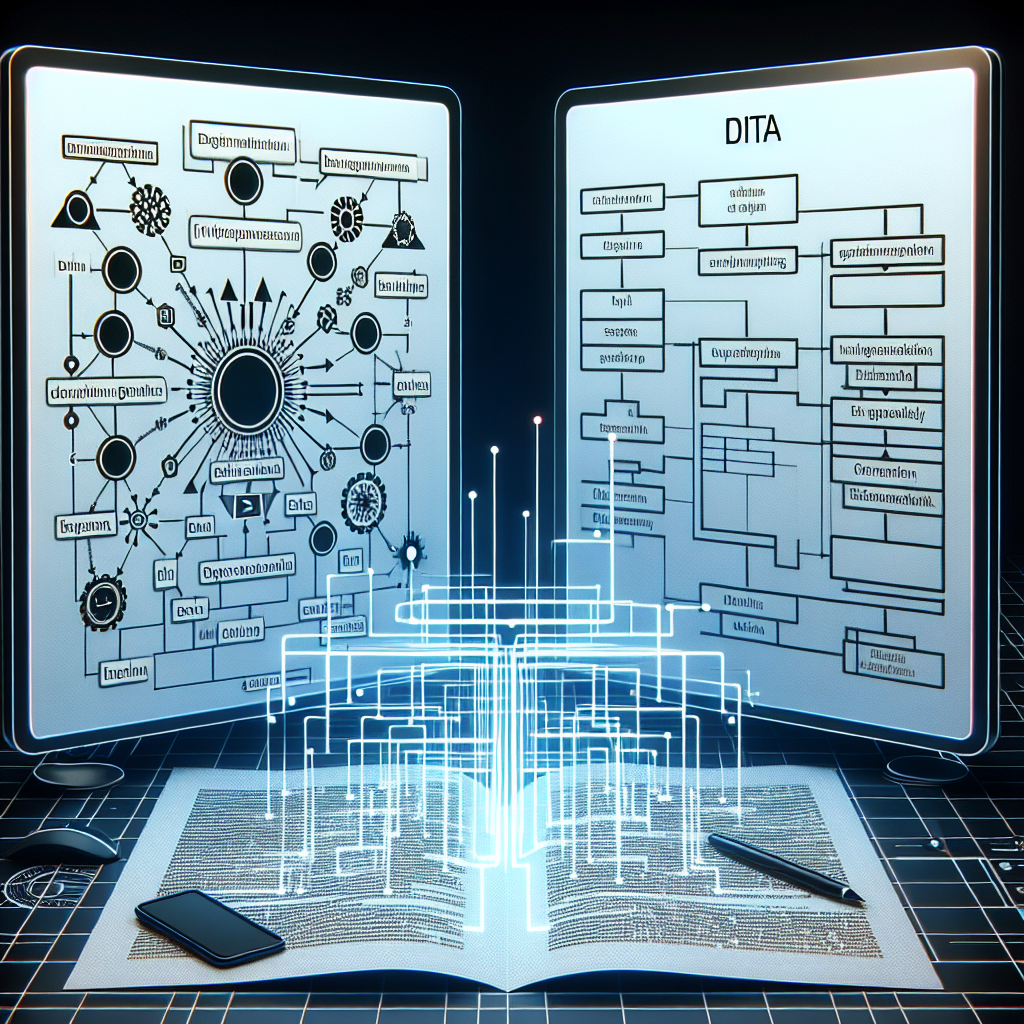
Integrating PlantUML diagrams into DITA topics offers a significant upgrade to technical documentation, allowing for clearer communication of complex information. DITA, widely recognised for its modular content management capabilities, paired with PlantUML’s diagramming prowess, can transform how technical documents are created and maintained.
Understanding DITA and PlantUML
DITA, an XML-based architecture, is designed for authoring and delivering technical information. It promotes reusability through topic-based content, enabling authors to create flexible documentation. This method not only streamlines the writing process but also enhances the maintenance of documents across various formats.
PlantUML, on the other hand, is an open-source tool that allows users to create Unified Modeling Language (UML) diagrams from plain text. By using a simple syntax, authors can generate various diagrams, including class diagrams and sequence diagrams, which help visualize intricate relationships and processes without requiring advanced graphic design skills.
The Advantages of Integration
Incorporating PlantUML diagrams into DITA topics presents several key benefits:
Enhanced Clarity: Diagrams can distill complex concepts into easily digestible visuals, improving reader comprehension.
Dynamic Content: The text-based nature of PlantUML makes it simple to update diagrams. Any changes to the underlying code automatically regenerate the visual representation.
Consistency: By using a single tool for diagram creation, documentation maintains a uniform style and format.
Version Control: Since diagrams are generated from text, they can be easily integrated into version control systems, allowing for accurate tracking of changes over time.
Steps to Integrate PlantUML into DITA
The integration process involves several straightforward steps:
Step 1: Install PlantUML
Begin by installing PlantUML. This can be done as a standalone tool or integrated with IDEs or documentation generators. Ensure that all dependencies, such as Graphviz, are also installed as they are crucial for rendering diagrams.
Step 2: Create a PlantUML Diagram
Develop your UML diagram using PlantUML syntax. For example, a simple sequence diagram can be created with the following code:
“`
@startuml
Alice -> Bob: Hello
Bob -> Alice: Hi!
@enduml
“`
Step 3: Generate the Diagram
Render the diagram into an image format like PNG or SVG using the PlantUML tool. The command line can be employed as follows:
“`
java -jar plantuml.jar myDiagram.pu
“`
This command produces an image file (either myDiagram.png or myDiagram.svg) in the same directory.
Step 4: Embed the Diagram in DITA
Reference the generated image in your DITA topic. For instance, you might include a caption such as “Figure 1: A simple sequence diagram.”
Step 5: Automate Diagram Generation (Optional)
For greater efficiency, consider automating the diagram generation process with build tools like Apache Ant or Maven. This will ensure that the latest diagrams are created each time documentation is built.
Step 6: Review and Publish
After embedding the diagrams, review them for accuracy and consistency. Once verified, publish your documentation in the desired output format, such as HTML or PDF.
In conclusion, integrating PlantUML diagrams into DITA topics not only enhances the quality of technical documentation but also simplifies the maintenance of content. This combination allows authors to produce clear, visually engaging materials while adapting to the evolving demands of information presentation. Embracing these tools can significantly elevate the effectiveness of your documentation strategy.











Revolutionary Photonic Ski-Jump Could Miniaturize LiDAR Systems

Couples Detox from Plastics in New Netflix Doc: Can It Boost Fertility?

Aventon Launches Affordable Full-Suspension Electric Mountain Bike

Discover Eight Must-Try Restaurants This Spring Season

UC Irvine Team Unveils Innovative Ion Pump for Water Treatment

One-Third of Americans Trim Daily Expenses for Healthcare Needs

Apple Secures First Oscar in Three Years with F1: The Movie

Fourth Graders Celebrate St. Patrick’s Day with Creative Weather Drawings

Kim Kardashian Dazzles at Vanity Fair Oscars Party 2026

Nostradamus’ 2026 Predictions: Star Death and Dark Events Loom

Breakthroughs and Challenges Await Science in 2026

Electric Moto Influencer Surronster Arrested in Tijuana

OpenAI to Implement Age Verification for ChatGPT by December 2025

Discover the Top 10 Calorie Counting Apps of 2025

Recovering a Suspended TikTok Account: A Step-by-Step Guide

Bella Hadid Shares Health Update After Treatment for Lyme Disease

Backpack Drives Equip Students with Supplies for New School Year

Analysts Project Stronger Growth for Apple’s iPhone 17 Lineup
-
 Science8 months ago
Nostradamus’ 2026 Predictions: Star Death and Dark Events Loom
-
 Science8 months ago
Breakthroughs and Challenges Await Science in 2026
-
 Technology11 months ago
Electric Moto Influencer Surronster Arrested in Tijuana
-
 Technology9 months ago
OpenAI to Implement Age Verification for ChatGPT by December 2025
-
 Technology1 year ago
Discover the Top 10 Calorie Counting Apps of 2025
-
 Technology1 year ago
Recovering a Suspended TikTok Account: A Step-by-Step Guide
-
 Health11 months ago
Bella Hadid Shares Health Update After Treatment for Lyme Disease
-
 Education1 year ago
Backpack Drives Equip Students with Supplies for New School Year
-
 Health12 months ago
Analysts Project Stronger Growth for Apple’s iPhone 17 Lineup
-

 Health12 months ago
Japanese Study Finds Rose Oil Can Increase Brain Gray Matter
-

 Technology8 months ago
Top 10 Penny Stocks to Watch in 2026 for Strong Returns
-

 Science10 months ago
Starship V3 Set for 2026 Launch After Successful Final Test of Version 2