
Technology
Enhance Your Apple TV Experience with These 12 Key Settings

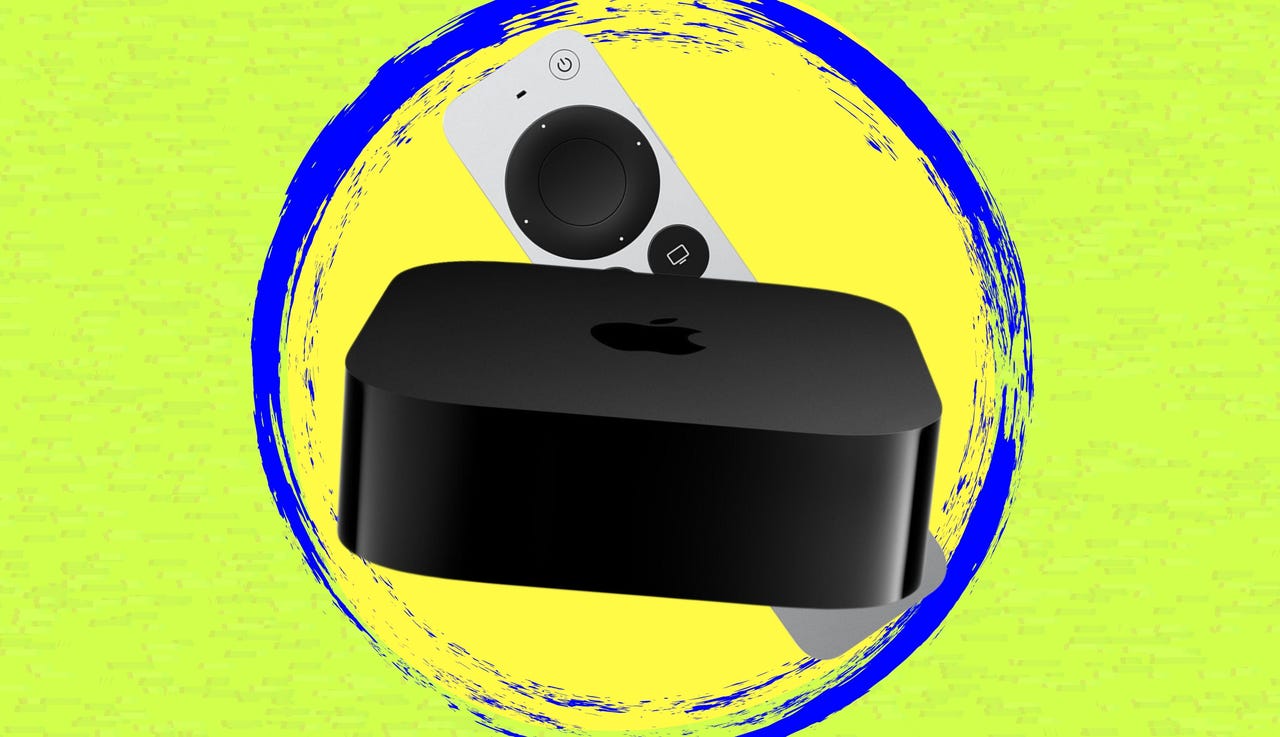
If your Apple TV has started to lag or you feel you’re not fully utilizing its audio and visual capabilities, you’re not alone. The current version, the Apple TV 4K (3rd generation), released in late 2022, may seem outdated to some users. Before opting for a competitor’s device, consider adjusting various settings that can significantly improve its performance and enhance your viewing experience.
Optimize Video Output
One key adjustment involves switching to 4K SDR. By default, the Apple TV attempts to output HDR, which can cause issues like stuttering or flickering when navigating menus or loading standard dynamic range (SDR) content. Locking the device to SDR helps maintain a smoother experience. To enable this setting, navigate to Settings > Video and Audio, select Format, and choose 4K SDR (or 1080p SDR for non-4K televisions).
Another important configuration is to match your content’s specifications. By enabling Match Dynamic Range and Match Frame Rate, the Apple TV can automatically adjust to each title’s native settings, avoiding issues like the “soap opera effect”. You can find these options under Settings > Video and Audio > Match Content.
Enhance Color and Audio Settings
For those looking to improve color accuracy, consider using 4:4:4 Chroma subsampling. This adjustment preserves color detail, especially beneficial for text clarity and graphic sharpness. To change this setting, go to Settings > Video and Audio > Chroma and select 4:4:4. If you experience any signal instability, you may need to revert to the default 4:2:0 setting.
Adjusting the HDMI output can also yield better results. Selecting YCbCr usually provides the best color accuracy. This option can be found in Settings > Video and Audio > HDMI Output.
To enhance audio settings, you can enable options like Enhance Dialogue to improve clarity during quiet scenes, or Reduce Loud Sounds to manage volume levels during late-night viewing. These settings can be accessed under Settings > Video and Audio > Audio Format.
Privacy and Accessibility
Apple TV also includes privacy settings that can be adjusted to limit data sharing. Users can disable options like Share Apple TV Analytics and Location Services under Settings > General > Privacy. Enabling the Allow Apple to Ask to Track feature ensures that third-party apps require permission before tracking user data.
For better navigation, enabling the High Contrast focus style can help users easily identify selected apps on a crowded Home screen. This setting can be activated under Settings > Accessibility > Display and Text Size.
Switching to Dark Mode can reduce eye strain during evening viewing sessions. This feature can be set to toggle automatically with the time of day through Settings > General > Appearance.
Streamline Your Experience
Apple TV’s Picture-in-Picture mode allows users to multitask, such as watching a movie while keeping an eye on a sports game. To activate this feature, simply play a show or movie, bring up the controls with the remote, and select the Picture-in-Picture icon.
Organizing your Home screen can also enhance usability. Creating app folders can help consolidate similar services, making navigation more intuitive. To create a folder, highlight an app, press and hold the Select button until it jiggles, then select Move to Folder.
Lastly, managing storage is essential for optimal performance. Regularly check how much space is being utilized by apps and data, and consider deleting or offloading apps that are no longer in use. This can be done under Settings > General > Manage Storage.
These adjustments can breathe new life into your Apple TV, ensuring a smoother and more enjoyable viewing experience. Happy streaming!













New HIV-Sequencing Tool Discovers Active Virus Reservoir Cells

AI’s Role in Shaping Financial Strategies for 2026

Research Strategies for Post-60 Career Planning Unveiled

West Rusk ISD Board Names Jake Jackson as Lone Finalist for Superintendent

Scientists Uncover Mechanism Behind Touch Sensation in Humans

Study Reveals How Gut Proteins Foster Food Tolerance

Five 3D Printed Innovations Outperform Amazon Purchases

LSU Hosts Region VII Science and Engineering Fair Showcasing Young Innovators

Celebrating Beverly Schmidt Blossom: A Dance Innovator’s Legacy

Nostradamus’ 2026 Predictions: Star Death and Dark Events Loom

Breakthroughs and Challenges Await Science in 2026

OpenAI to Implement Age Verification for ChatGPT by December 2025

Discover the Top 10 Calorie Counting Apps of 2025

Electric Moto Influencer Surronster Arrested in Tijuana

Bella Hadid Shares Health Update After Treatment for Lyme Disease

Analysts Project Stronger Growth for Apple’s iPhone 17 Lineup

Top 10 Penny Stocks to Watch in 2026 for Strong Returns

Japanese Study Finds Rose Oil Can Increase Brain Gray Matter
-
 Science2 months ago
Nostradamus’ 2026 Predictions: Star Death and Dark Events Loom
-
 Science2 months ago
Breakthroughs and Challenges Await Science in 2026
-
 Technology3 months ago
OpenAI to Implement Age Verification for ChatGPT by December 2025
-
 Technology8 months ago
Discover the Top 10 Calorie Counting Apps of 2025
-
 Technology6 months ago
Electric Moto Influencer Surronster Arrested in Tijuana
-
 Health6 months ago
Bella Hadid Shares Health Update After Treatment for Lyme Disease
-
 Health6 months ago
Analysts Project Stronger Growth for Apple’s iPhone 17 Lineup
-
 Technology3 months ago
Top 10 Penny Stocks to Watch in 2026 for Strong Returns
-
 Health6 months ago
Japanese Study Finds Rose Oil Can Increase Brain Gray Matter
-

 Science5 months ago
Starship V3 Set for 2026 Launch After Successful Final Test of Version 2
-

 Education6 months ago
Harvard Secures Court Victory Over Federal Funding Cuts
-

 Health6 months ago
Erin Bates Shares Recovery Update Following Sepsis Complications