
Technology
Improve Your Internet Performance by Addressing Bufferbloat

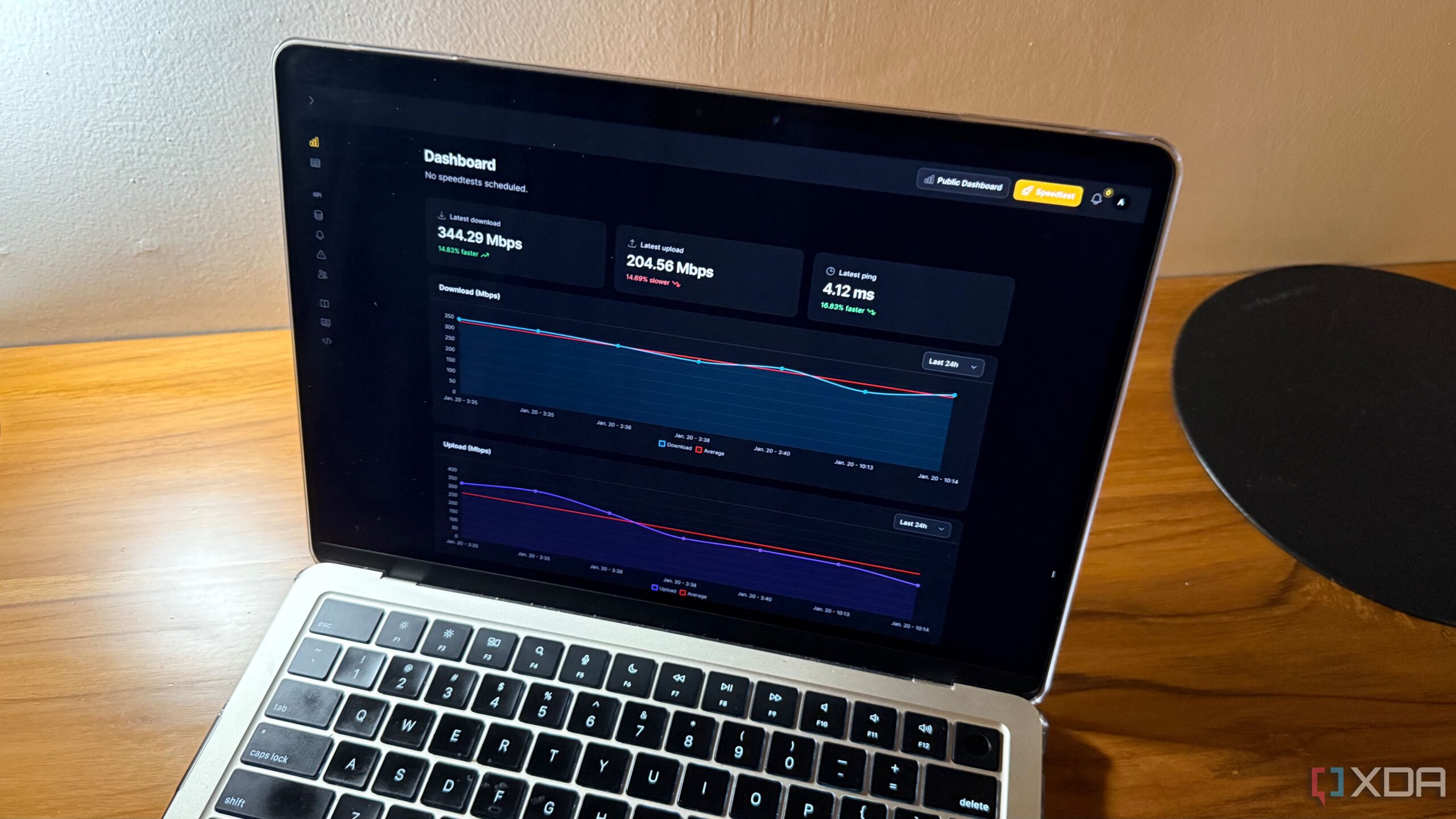
Experiencing slow internet speeds despite running successful speed tests can be frustrating. Many users find that while their connection statistics look good on paper, real-world performance often tells a different story. Issues such as choppy video calls, increased latency during online gaming, and sluggish cloud application responses indicate that the problem may not be with the bandwidth itself, but rather with a phenomenon known as bufferbloat.
Understanding Bufferbloat and Its Impact
Bufferbloat occurs when network devices, such as routers and modems, overly buffer data to avoid packet loss. While this might seem advantageous, excessive buffering can lead to significant latency issues. For instance, a connection that typically responds in 20 milliseconds may jump to 300, 500, or even 1000 milliseconds under load, particularly when uploads and downloads occur simultaneously. This latency spike can render online gaming and video conferencing nearly impossible.
Most speed tests provide a snapshot of peak throughput under ideal conditions. Users click a button and receive a figure that appears to confirm their Internet Service Provider (ISP) performance. However, these tests generally do not account for real-world scenarios where multiple devices are active or when bandwidth-intensive tasks overlap. As a result, it is possible to achieve a speed test result of 900 Mbps down, yet experience significant performance degradation during routine activities.
Identifying Bufferbloat Issues
To determine if bufferbloat is the culprit behind network performance issues, users can observe latency during heavy data transfers. A noticeable increase in response time while downloading or uploading data often indicates bufferbloat. Online tools, such as those provided by Waveform, allow users to test their network and receive a bufferbloat grade, which can help assess the severity of the issue. For example, a user might discover they have a “C” grade, which suggests moderate bufferbloat that may impact activities like gaming while uploading.
Addressing bufferbloat typically requires implementing traffic management solutions, such as Smart Queue Management (SQM) at the router level. SQM operates by intentionally slowing down traffic to prevent large queues from forming, thereby reducing latency spikes. Although this approach may seem counterintuitive, it significantly enhances responsiveness.
Users may find SQM options in their router settings, although some mid-range devices might lack this feature. Higher-end routers with powerful CPUs are often better equipped to handle SQM, especially in networks experiencing significant bufferbloat. In contrast, traditional Quality of Service (QoS) settings offer limited assistance and may not effectively mitigate bufferbloat challenges.
Ultimately, while speed tests do serve a purpose—such as verifying that an ISP is delivering adequate speeds or identifying major line problems—they do not provide a complete picture of network performance. If a wired connection on a gigabit plan consistently shows speeds below a few hundred megabits, users should investigate potential underlying issues.
In some cases, upgrading the router may be a worthwhile investment to improve network performance. With the increasing reliance on internet connectivity for both work and leisure, understanding and addressing bufferbloat can lead to a noticeably better online experience.

New Year, New Goals: Simple Exercises to Enhance Your Fitness

Utah Program Empowers Students Through Buddy Partnerships

Grab Up to 70% Off at Everlane’s Year-End Sale

SpaceX Launches Cosmo-SkyMed Satellite for Italy from California

Start Strong: 3 Essential Exercises for Your 2026 Fitness Goals

GE Unveils Smart Fridge with Built-in Barcode Scanner for Groceries

Kevin Maki Remembered for His Dedication and Family Spirit

New Training Course on Protein Engineering Launches in Dublin

New Health Care Laws Enhance Coverage for New Yorkers

Nostradamus’ 2026 Predictions: Star Death and Dark Events Loom

Discover the Top 10 Calorie Counting Apps of 2025

OpenAI to Implement Age Verification for ChatGPT by December 2025

Bella Hadid Shares Health Update After Treatment for Lyme Disease

Analysts Project Stronger Growth for Apple’s iPhone 17 Lineup

Erin Bates Shares Recovery Update Following Sepsis Complications

Electric Moto Influencer Surronster Arrested in Tijuana

Discover How to Reverse Image Search Using ChatGPT Effortlessly

Meta Initiates $60B AI Data Center Expansion, Starting in Ohio
-
 Science6 days ago
Nostradamus’ 2026 Predictions: Star Death and Dark Events Loom
-
 Technology6 months ago
Discover the Top 10 Calorie Counting Apps of 2025
-
 Technology1 month ago
OpenAI to Implement Age Verification for ChatGPT by December 2025
-
 Health4 months ago
Bella Hadid Shares Health Update After Treatment for Lyme Disease
-
 Health4 months ago
Analysts Project Stronger Growth for Apple’s iPhone 17 Lineup
-
 Health4 months ago
Erin Bates Shares Recovery Update Following Sepsis Complications
-
 Technology4 months ago
Electric Moto Influencer Surronster Arrested in Tijuana
-
 Technology5 months ago
Discover How to Reverse Image Search Using ChatGPT Effortlessly
-
 Technology6 months ago
Meta Initiates $60B AI Data Center Expansion, Starting in Ohio
-

 Technology6 months ago
Recovering a Suspended TikTok Account: A Step-by-Step Guide
-

 Technology2 months ago
Discover 2025’s Top GPUs for Exceptional 4K Gaming Performance
-

 Health5 months ago
Tested: Rab Firewall Mountain Jacket Survives Harsh Conditions