
Technology
Create Your Own NTP Server for Accurate Time Synchronization

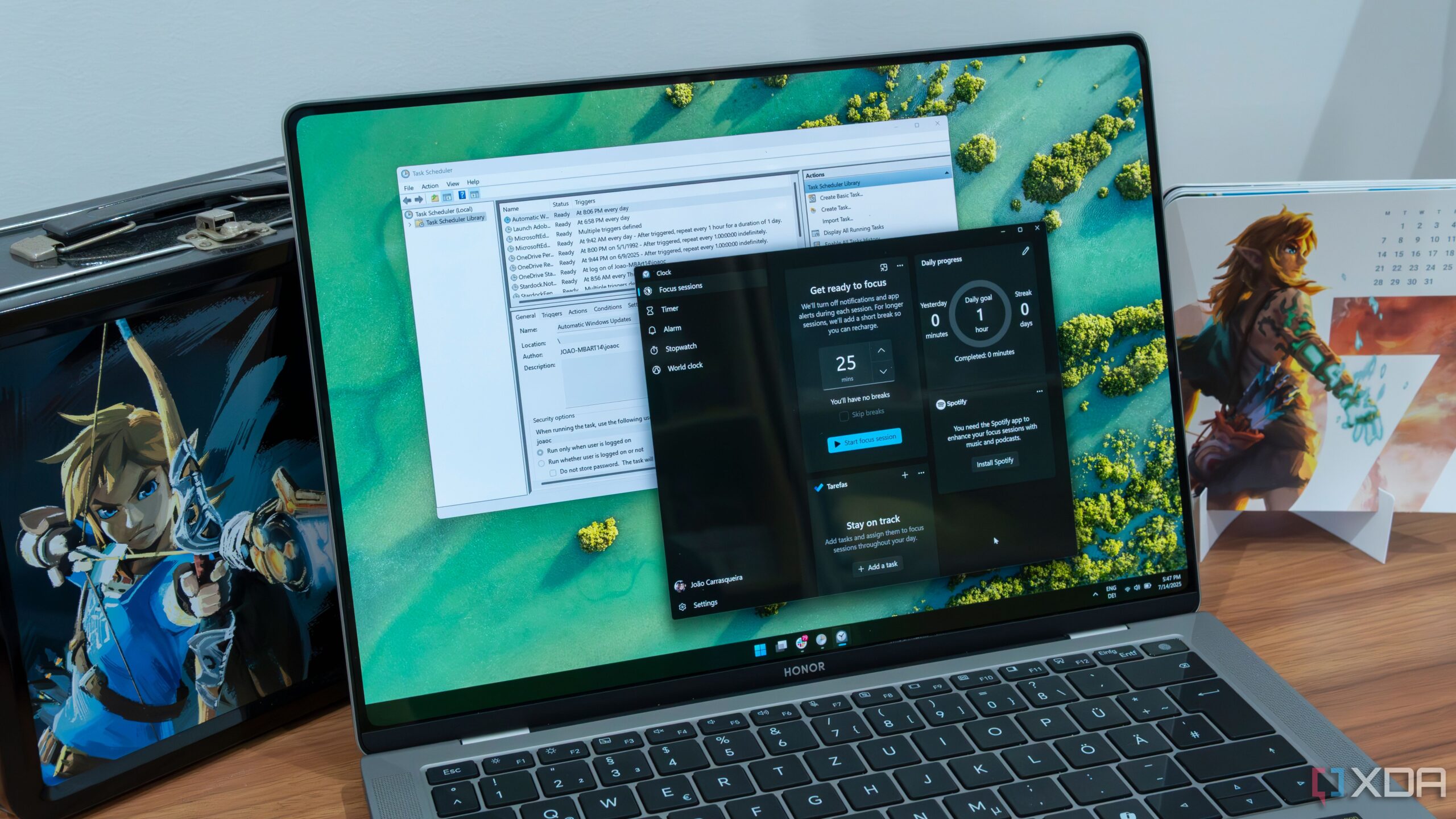
The use of a self-hosted Network Time Protocol (NTP) server allows individuals and organizations to maintain precise time synchronization across all devices. By leveraging a local NTP server, users can ensure that every device on their network consistently aligns with a single, trusted time source, enhancing reliability and reducing latency.
Public NTP servers synchronize clocks to Coordinated Universal Time (UTC) using atomic clocks as references. While these servers are effective for many users, self-hosting an NTP server offers several advantages, including greater control, customization, and security. The option to utilize a GPS receiver can further enhance the accuracy and precision of time synchronization, which is particularly beneficial in environments with specific hardware requirements, such as home labs.
Benefits of Self-Hosting an NTP Server
Self-hosting an NTP server eliminates reliance on third-party services, allowing users to configure the upstream NTP source once and synchronize all devices on their network. This consistency is crucial, as even high-end desktop PCs experience clock drift over time, leading to potential synchronization issues if not managed properly.
Utilizing a single NTP source, such as an Ubuntu Server VM or an OPNsense firewall, creates a centralized point for time synchronization. This setup ensures that all downstream clients remain synchronized, avoiding the complications that arise from differing time settings across devices.
Setting Up Your NTP Server
For those interested in setting up their own NTP server, the process is straightforward and can be accomplished using various hardware, from an old laptop to a single-board computer (SBC). The key requirement is that the selected device must remain online at all times.
One recommended approach is to use a virtual machine (VM) running Ubuntu Server. This method allows for scalability and isolation through Proxmox’s sandboxing capabilities. To set up an NTP server on Ubuntu, follow these steps:
1. Log in to Proxmox and create a Ubuntu Server VM with 2 vCPU cores and 1GB RAM.
2. Boot up the VM and install Ubuntu Server.
3. Update the operating system with the command: sudo apt update && sudo apt upgrade -y.
4. Assign a reserved IP through DHCP and reboot the VM.
5. Install the NTP server using the command: sudo apt install chrony -y.
6. Configure chrony by editing the configuration file: sudo nano /etc/chrony/chrony.conf, replacing public NTP servers with preferred sources, such as “pool 0.europe.pool.ntp.org”.
7. Verify that chrony is running with: sudo systemctl status chrony.
Once the NTP server is operational, configure all devices on the network to point to this new internal server, ensuring consistent synchronization.
For those using an OPNsense firewall, self-hosting an NTP server is even more convenient, as the firewall is typically always online. OPNsense has NTP functionality enabled by default. Users can access the web GUI, navigate to Services > Network Time, and check the status of the current time servers.
Implementing a local NTP server provides unparalleled control and accuracy for managing network time synchronization. By centralizing this function, users can ensure that all devices synchronize with a trusted internal source, ultimately improving overall network performance and reliability. Whether opting for an Ubuntu VM, OPNsense, or another platform, setting up a self-hosted NTP server is a valuable project that can yield significant benefits.













Revolutionary Photonic Ski-Jump Could Miniaturize LiDAR Systems

Couples Detox from Plastics in New Netflix Doc: Can It Boost Fertility?

Aventon Launches Affordable Full-Suspension Electric Mountain Bike

Discover Eight Must-Try Restaurants This Spring Season

UC Irvine Team Unveils Innovative Ion Pump for Water Treatment

One-Third of Americans Trim Daily Expenses for Healthcare Needs

Apple Secures First Oscar in Three Years with F1: The Movie

Fourth Graders Celebrate St. Patrick’s Day with Creative Weather Drawings

Kim Kardashian Dazzles at Vanity Fair Oscars Party 2026

Nostradamus’ 2026 Predictions: Star Death and Dark Events Loom

Breakthroughs and Challenges Await Science in 2026

Electric Moto Influencer Surronster Arrested in Tijuana

OpenAI to Implement Age Verification for ChatGPT by December 2025

Discover the Top 10 Calorie Counting Apps of 2025

Bella Hadid Shares Health Update After Treatment for Lyme Disease

Analysts Project Stronger Growth for Apple’s iPhone 17 Lineup

Japanese Study Finds Rose Oil Can Increase Brain Gray Matter

Top 10 Penny Stocks to Watch in 2026 for Strong Returns
-
 Science4 months ago
Nostradamus’ 2026 Predictions: Star Death and Dark Events Loom
-
 Science4 months ago
Breakthroughs and Challenges Await Science in 2026
-
 Technology7 months ago
Electric Moto Influencer Surronster Arrested in Tijuana
-
 Technology4 months ago
OpenAI to Implement Age Verification for ChatGPT by December 2025
-
 Technology9 months ago
Discover the Top 10 Calorie Counting Apps of 2025
-
 Health7 months ago
Bella Hadid Shares Health Update After Treatment for Lyme Disease
-
 Health7 months ago
Analysts Project Stronger Growth for Apple’s iPhone 17 Lineup
-
 Health7 months ago
Japanese Study Finds Rose Oil Can Increase Brain Gray Matter
-
 Technology4 months ago
Top 10 Penny Stocks to Watch in 2026 for Strong Returns
-

 Science6 months ago
Starship V3 Set for 2026 Launch After Successful Final Test of Version 2
-

 Technology1 month ago
Nvidia GTC 2026: Major Announcements Expected for AI and Hardware
-

 Education7 months ago
Harvard Secures Court Victory Over Federal Funding Cuts